Printer test page
Print at 100% scale, not "fit to page". Then check the bar below against a ruler.
15 cm ruler, millimetre ticks. Short of true length means the print dialog scaled the page.
Crisp edges at 5 pt, no fringes or shadows around the letters.
Crisp edges at 7 pt, no fringes or shadows around the letters.
Crisp edges at 9 pt, no fringes or shadows around the letters.
Crisp edges at 12 pt, no fringes or shadows around the letters.
- the 100 mm bar measures 100 mm against a real ruler,
- every color bar and tint strip is present, with no gaps or streaks,
- the grayscale steps are distinct and the text stays sharp at 5 pt.
Free printer test page from testpagelab.com. Every dimension on this sheet is exact when printed at 100% scale.
The print button prints only the sheet above, on whatever paper is loaded. The PDF downloads are the same layout as true-size, CMYK-native files; the methodology explains the difference.
This is a printer test page you can print in one click, plus a set of downloadable test prints for deeper checks. The sheet above runs a full printer test on one page: color, black, sharpness, and a scale reference, and printed at 100% scale it is exact to the millimetre. Press the button to print a test page as a test print online, straight from your browser with no download and no software, or test your printer against the PDFs when you want the measurement grade version of the same sheet. Either way you get a quick print test that shows in one pass whether the problem is ink, alignment, or the file you were printing.
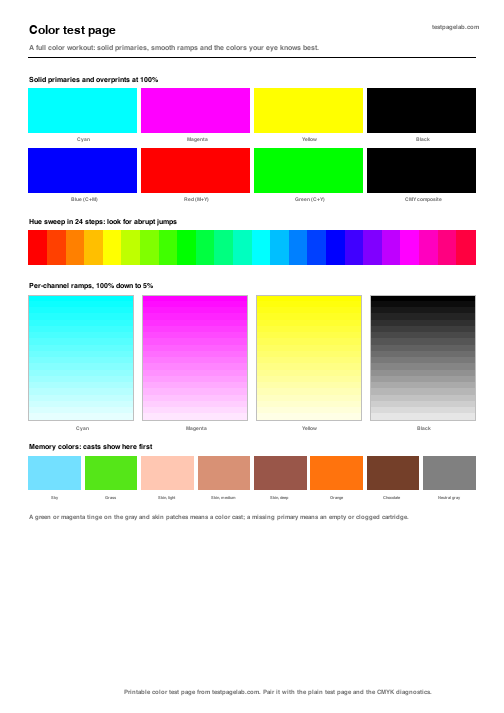
Color test page
A color printer test page has one job: make every ink show itself separately, then together. The color test print below lays down each ink solid, sweeps the full hue range in 24 steps, ramps every channel from 100% down to 5%, and finishes with the colors your eye calibrates against without thinking: sky, grass, skin, neutral gray. A missing primary means an empty or clogged cartridge; a tinge on the gray patches means a color cast. This printable printer color test is a free download, in A4 and US Letter.
-
-
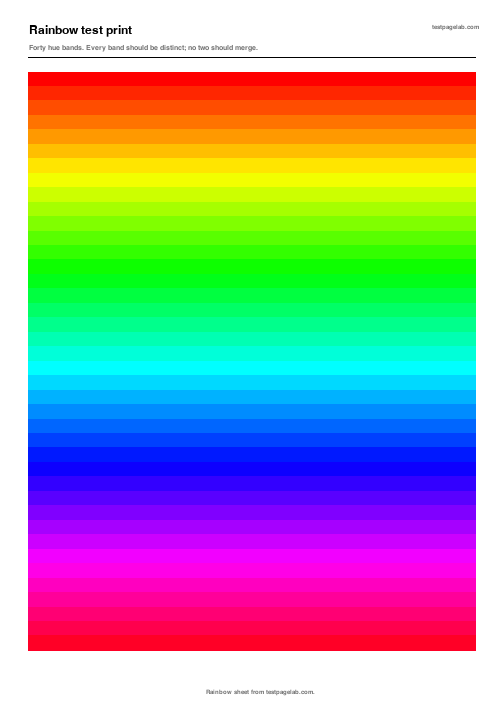
Rainbow test print
Forty hue bands edge to edge. Every band should be distinct; two that merge point at a starved channel.
Solid black and grayscale
Most "faded print" complaints are the black channel. The solid black test page floods the sheet with 100% black so streaks, banding and gray patches have nowhere to hide, and the single ink black test page adds a tint ladder and fine lines for the same channel at every density. The grayscale steps on the main test page above tell you whether dark tones separate or crush together.
-
-
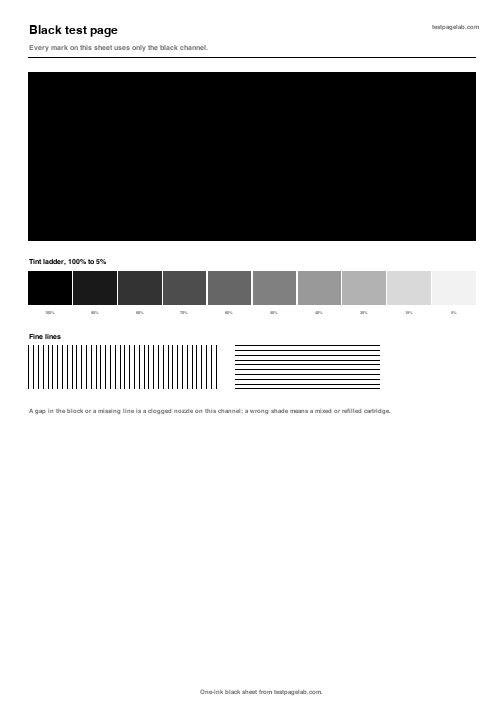
Black test page
One ink only: a solid block, a ten step tint ladder and fine line grids for the black channel.
Printer test page PDF downloads
Every printer test page PDF here is generated as a vector file with exact dimensions, so a test print page from this table doubles as a scale check: the 100 mm bar on the main sheet must measure 100 mm, and the alignment frames sit at stated distances from the paper edge. Download the print test page that matches your paper, print at 100% scale, and the geometry claims hold. If you only need a quick test print PDF, the first row is the same sheet as the print button at the top; each remaining print test PDF isolates one fault. Looking for a page test imprimante? The A4 files are the ones to print in Canada and Europe.
| Test page | What it checks | A4 | US Letter |
|---|---|---|---|
| Printer test page | Color, black, sharpness, scale, alignment on one sheet | A4 | Letter |
| Color test page | All inks, hue sweep, ramps, memory colors | A4 | Letter |
| Rainbow test print | Forty hue bands, channel starvation | A4 | same file |
| Solid black test page | Black channel flow, streaks, banding | A4 | Letter |
| CMYK coverage test, 4 pages | Each ink at 40% coverage of the sheet | A4 | Letter |
| Nozzle check | Clogged nozzles, per channel | A4 | same file |
| Alignment test page | Head alignment, skew, margins | A4 | Letter |
| Blank margin and feed test | Feed skew, roller marks, margin offset | A4 | Letter |
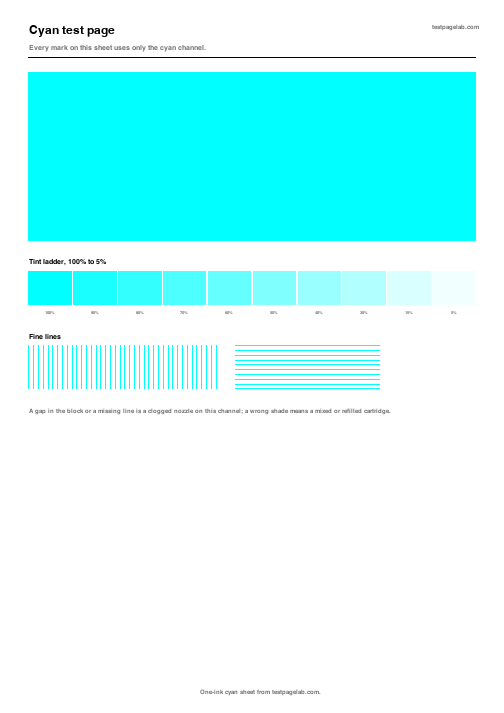
| Cyan test page | The cyan channel alone | A4 | same file |
| Magenta test page | The magenta channel alone | A4 | same file |
| Yellow test page | The yellow channel alone | A4 | same file |
| Printer test image | Photo reproduction target | A4 | same file |
HP, Epson and Canon test pages
Every printer can print a self test from its own menu, and it is worth knowing both routes. The built in page proves the hardware works without the computer; the pages on this site are the same for every machine, so you can compare a Tuesday against a Friday, or an HP against an Epson, on identical input.
HP printer test page
On most HP inkjets: Settings, then Reports, then Printer Status Report. On many models you can also hold the Cancel button for a few seconds, or find Print Quality Diagnostic under Tools. The diagnostic page is the one with the color blocks; use it when HP support asks for it.
Use the pages on this site when you want the same sheet on every machine: the built in HP report changes by model, so it cannot compare a new printer against the one it replaced.
Epson printer test page
On most Epson models: hold the paper or stop button while switching the printer on, and it prints a nozzle check pattern. From the desktop, the Epson driver has Nozzle Check and Head Cleaning under Maintenance. The built in pattern is good; it is also tiny, so faint banding that shows clearly on a full width sheet can slip past it.
Print the nozzle check here when the built in pattern looks fine but colors are still wrong on real pages.
Canon printer test page
On most Canon PIXMA models: hold Resume or Stop until the lamp flashes twice for a nozzle check, or use Maintenance in the Canon IJ utility. The Canon pattern focuses on nozzles; it does not exercise solid coverage or grayscale, which is what the solid black page and the main test page add.
Printer diagnostics: CMYK test print, nozzle check, alignment
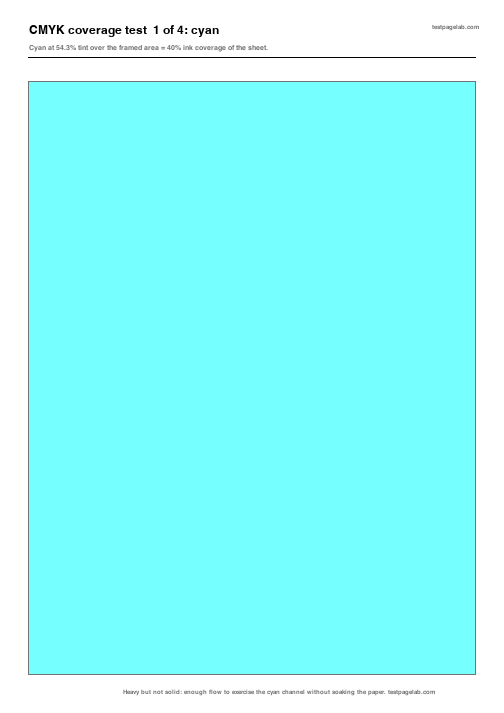
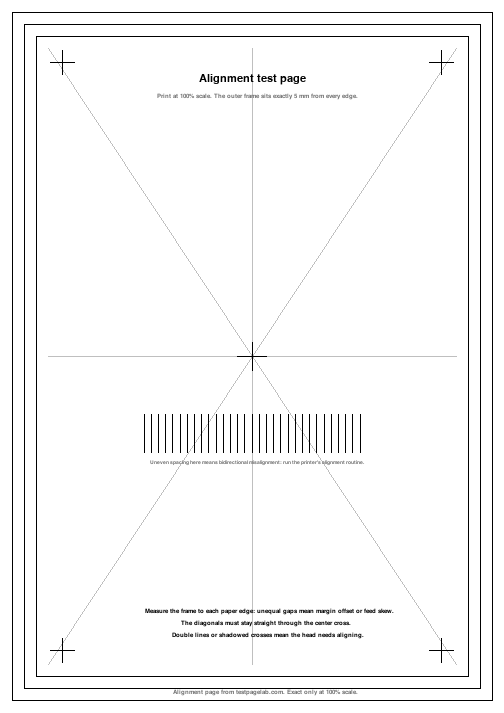
This is the part the usual test page sites do not ship. A generic sheet tells you something is wrong; these pages are built to tell you what. The CMYK test print puts each ink on its own page at a stated 40% coverage of the sheet, the per channel pages isolate one cartridge at a time, and the alignment page puts measured frames at exact distances from the paper edge so you can test printer alignment with a ruler instead of a guess.
-
-
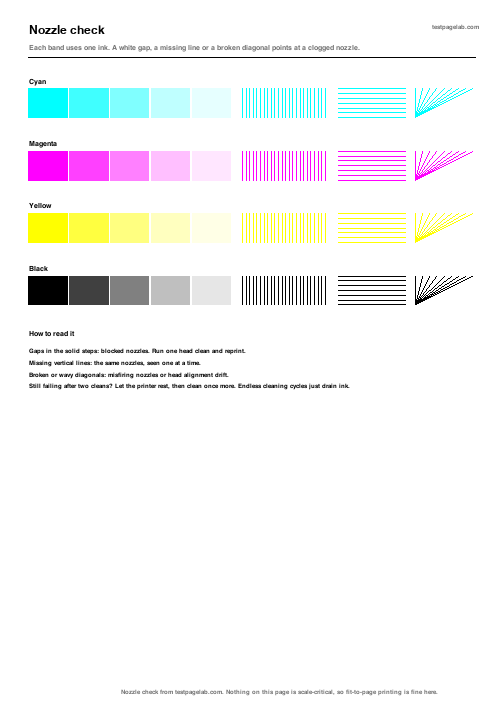
Nozzle check
Stepped tints, fine line grids and diagonal fans for every channel. A white gap or a missing line points at a clogged nozzle, and the page says what to do next.
-
-
-
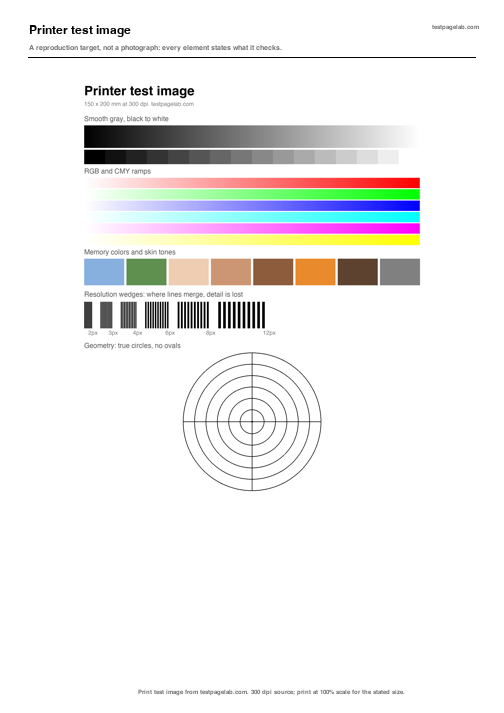
Printer test image
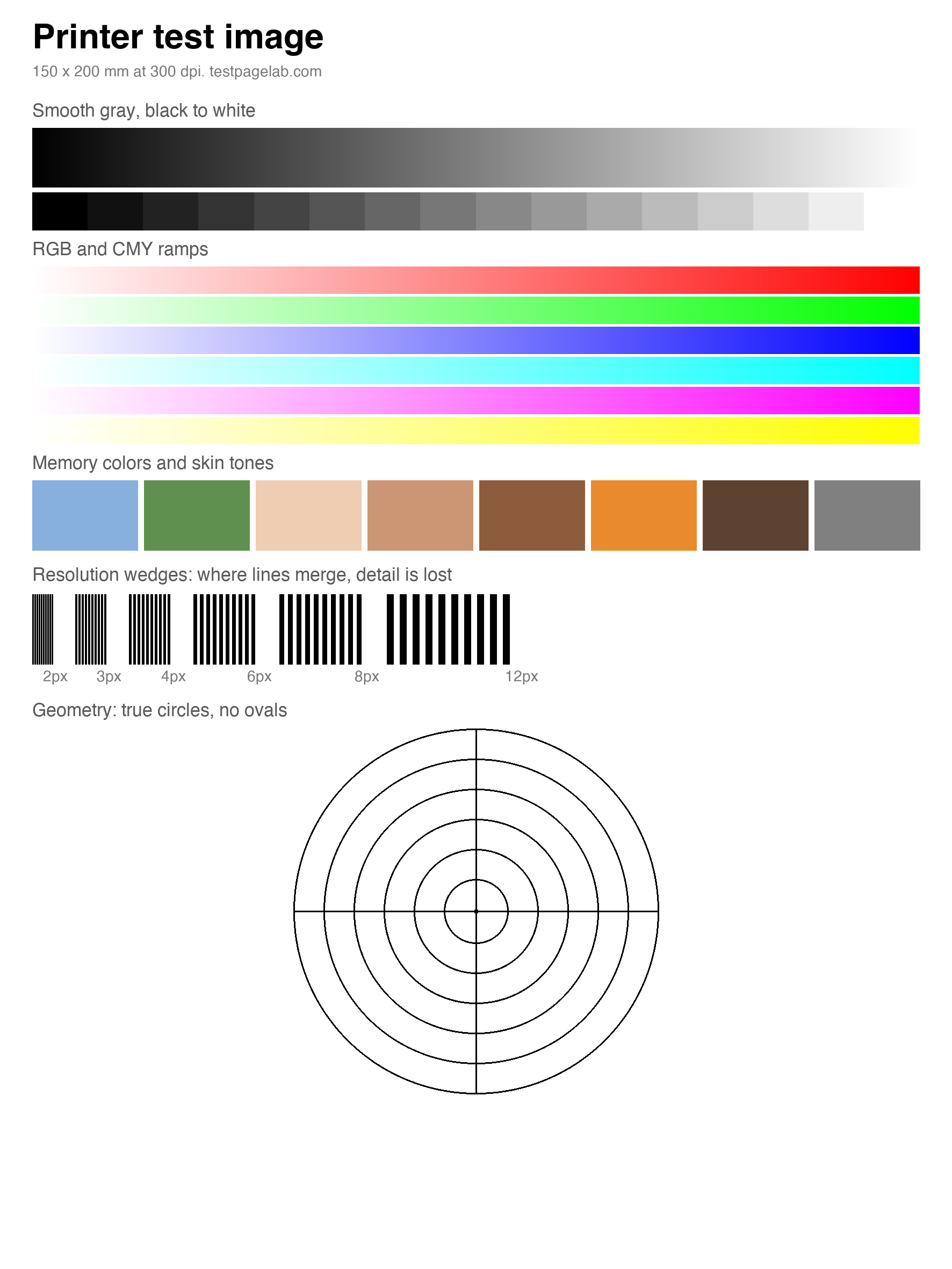
Charts catch mechanical faults; photographs catch everything else. This print test image is a synthetic reproduction target, not a photo: smooth gray from black to white, RGB and CMY ramps, skin tones and memory colors, resolution wedges that show exactly where detail dies, and true circles that turn into ovals when the paper feed is off. Print the test print image after the charts pass and you are testing what your printer does to real pictures.
-
Printer test image
A 150 x 200 mm target at 300 dpi. Every element is labeled with what it checks, so the print reads itself.
How to read a test print
Four faults cover most bad pages. Match your print against these illustrations, then jump to the page that isolates the cause. The images below are drawn illustrations of each defect, not photographs of prints. The full guide to reading a test print covers these four plus fading, spots, scale errors and blank pages, with the fix to try first for each.

Streaking. White lines along the print direction. Clogged nozzles or a scratched drum; confirm with the nozzle check.

Banding. Regular light and dark bands across the page. Feed increment or starved ink; the ramps make the period visible.

Ghosting. A faint repeat of the image, offset from the original. Worn drum or fuser on lasers, head timing on inkjets; the alignment page shows the offset.
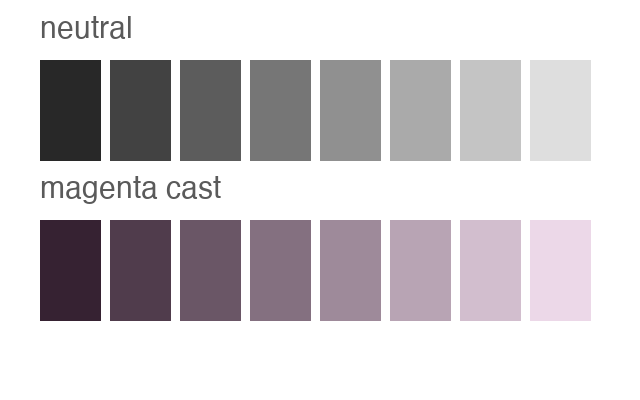
Color cast. Grays that lean green or magenta. One channel weak or one cartridge wrong; the gray and skin patches show it first.
Methodology
Every PDF on this site is generated as a vector file by our own code, and the claims on each page are arithmetic, not adjectives.
Exact geometry. PDF positions are specified in points, 72 to the inch, so a 100 mm bar is placed at 283.465 pt and stays 100 mm on paper as long as nothing rescales the page. That is why every sheet says print at 100% scale: the one thing that breaks a test page is a print dialog quietly fitting it to the printable area. The bar and the alignment frames exist so you can catch that with a ruler.
Native CMYK. A web page can only describe color as RGB, and your printer driver converts it however it likes. The PDFs here set ink values directly in the CMYK color space, so the cyan test page asks for cyan ink and nothing else. That is the difference between the print button, which is quick and driver converted, and the PDFs, which are the measurement grade version.
Stated coverage. The CMYK coverage pages solve the tint from the printable area so each page lays down 40.0% ink coverage of the sheet, and the tint percentage that achieves it is printed on the page. Our build tests recompute that arithmetic on every change.
What we cannot see. Final color depends on your driver, paper and ink, and no downloadable file changes that. These pages make faults visible and comparable; they are not a substitute for ICC profiling when you need color managed accuracy.
The previews on this page are rendered from the same drawing commands that generate the PDFs, so a thumbnail cannot show a different sheet than the file behind it. The full methodology shows the working, and its changelog dates every change to the site.
Frequently asked questions
How do I print a test page?
Press the print button at the top of this page and your browser prints the test sheet on whatever printer is selected, or download one of the PDF test pages and print it from any PDF viewer. In both cases set the scale to 100%, not fit to page, so the measurements on the sheet stay true.
What should a printer test page include?
At minimum: every ink laid down separately, a grayscale ramp, fine lines for sharpness, and something whose printed size you can verify. A page that shows all inks but has no scale reference cannot catch a print dialog that silently rescales everything, which is one of the most common sources of wrong sized prints.
How do I print a test page without a computer?
Use the printer's built in self test: most HP models under Settings and Reports, most Epson models by holding the stop button at power on, most Canon models by holding Resume until the lamp flashes. The brand section above has the details per maker.
Why does my printer print blank pages?
On an inkjet, usually empty cartridges, clogged nozzles after sitting unused, or a protective seal left on a new cartridge. Print the nozzle check: if some channels print and others do not, it is the cartridge or head for the missing ones, not your document. On a laser, check the toner cartridge seal and the drum.
Does this work for laser printers?
Yes. The test page, color page, grayscale, alignment and ghosting checks apply to lasers directly. The nozzle check and per channel pages are built around inkjet plumbing; on a laser their failure patterns read as drum or transfer faults instead of clogs.
Is this free, and does anything upload?
Everything here is free, with no account and no watermark. Printing and downloading happen entirely between your browser and your printer; nothing about your documents or your device is uploaded to us.