Printer test page PDF
Download a printer test page PDF for the check you need: the full test page, color and black test pages, a nozzle check, alignment and feed tests, single ink pages and a photo target. Each chart is a vector file drawn at exact size, and the test image is a 300 dpi target placed at exactly 150 x 200 mm, so at 100% scale the 100 mm bar on the full test page measures 100 mm. To print a test page straight from your browser instead, with nothing to download, use the one-click printer test page.
The full printer test page
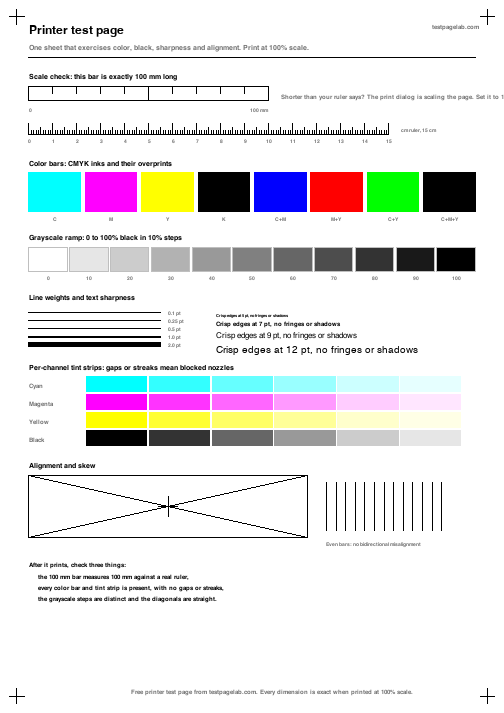
Start here if you don't know yet what is wrong. One sheet checks color, black, sharpness, scale and alignment, and it is the same sheet as the print button on the home page.
Color test page PDFs
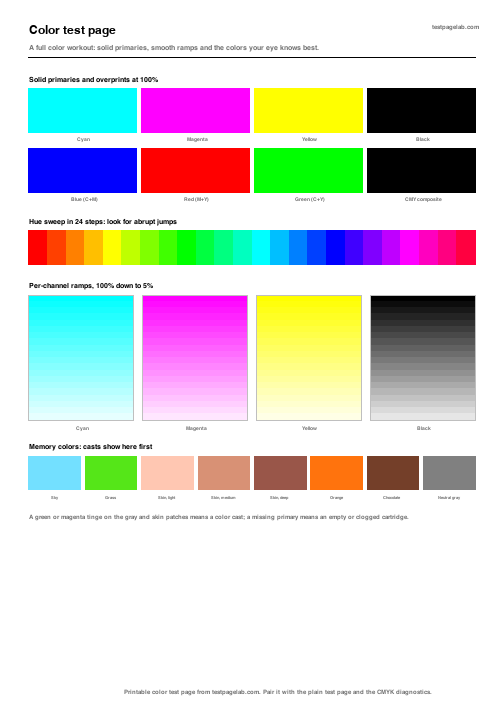
The color test page lays down each ink solid, then a 24 step hue sweep, ramps for every channel and memory colors such as sky, grass and skin. The rainbow test print adds forty hue bands from edge to edge: two bands that merge point at a starved channel.
Black test page PDFs
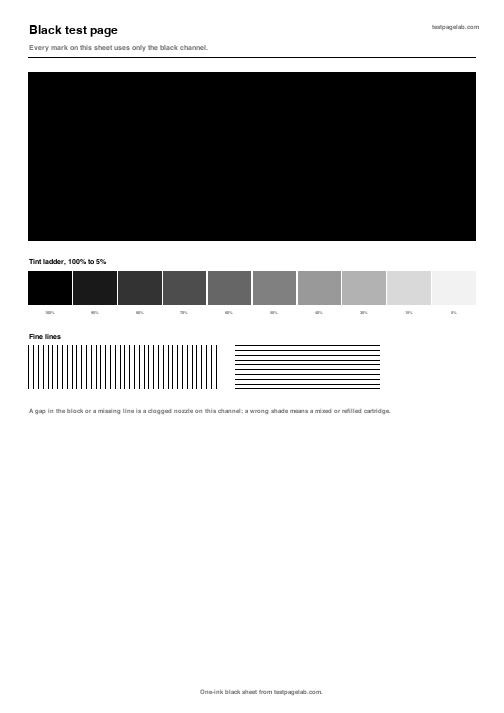
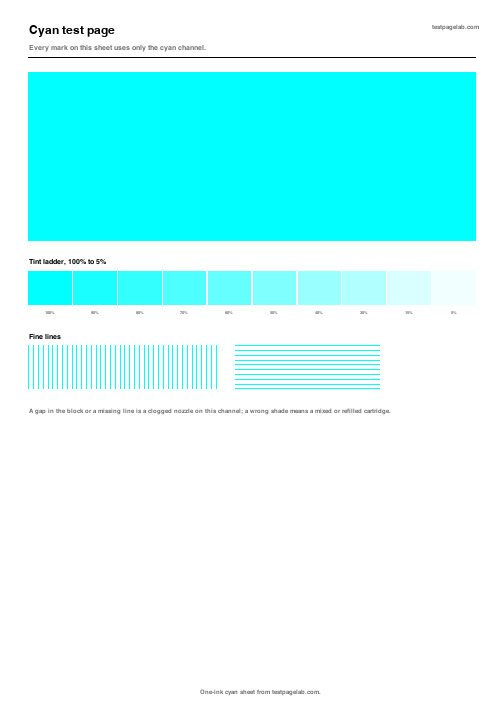
Most faded prints are the black channel. The solid black page floods the sheet with 100% black, so streaks and banding have nowhere to hide. The black test page uses black ink alone: a solid block, a ten step tint ladder and fine lines.
Diagnostic test page PDFs
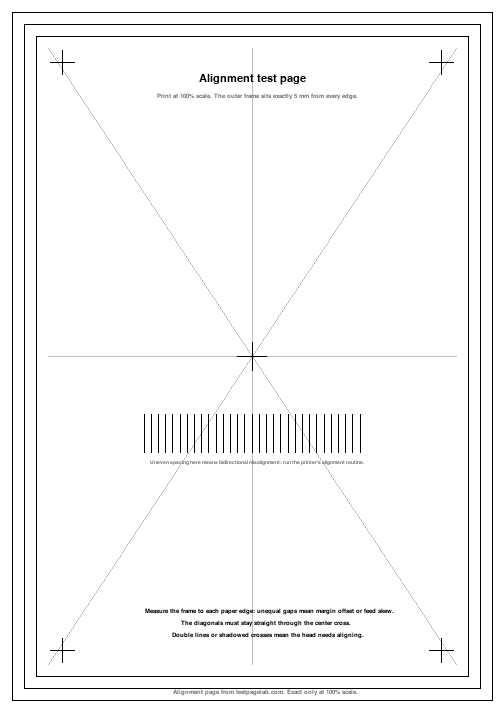
These pages say what is wrong, not just that something is. The CMYK coverage test gives each ink its own page at 40% coverage of the sheet. The nozzle check finds clogged nozzles. The alignment page puts frames at exact distances from the paper edge, so you can check alignment with a ruler. The single ink pages judge one cartridge at a time.
-
-
Nozzle check
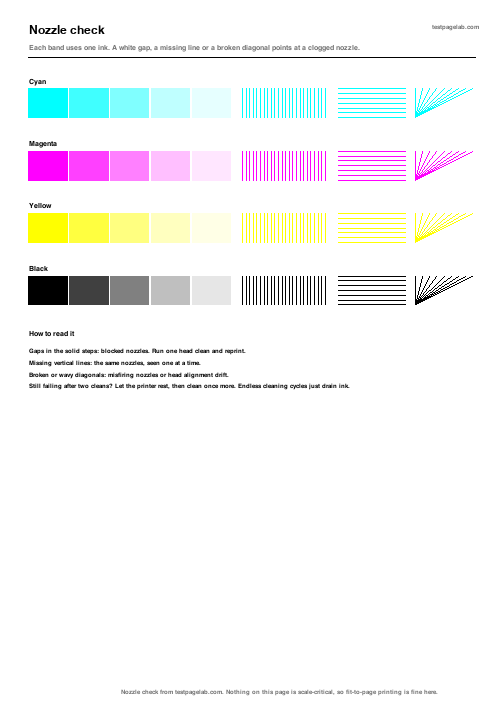
Stepped tints, fine line grids and diagonal fans for every channel. A gap or a missing line points at a clogged nozzle. The nozzle check guide shows how to run your printer's own and read it.
-
-
-
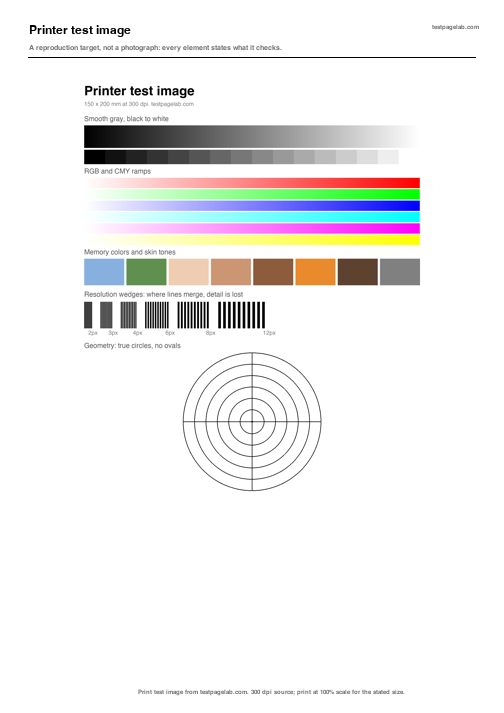
Printer test image
Charts catch mechanical faults; pictures catch the rest. The test image is a synthetic target with gray and color ramps, skin tones, resolution wedges and circles, each labeled with what it checks. Print it once the charts pass.
Which PDF to print
| The problem | Print this |
|---|---|
| You don't know yet | Printer test page, then the page for what it shows |
| Faded or streaky black | Solid black test page, then the black test page |
| A color missing or wrong | Color test page, then the single ink page for that color |
| White gaps or missing lines | Nozzle check; clean the heads and print it again |
| Crooked print, uneven margins | Printer alignment test page, then the blank margin and feed test |
| Photos look wrong, charts look fine | Printer test image |
Once you know the fault, the guide to reading a test print gives the cause and the fix to try first.
How to print a PDF test page at 100%
- Download the PDF for the paper that is in your printer.
- Open it and press Ctrl+P, or Cmd+P on a Mac.
- Choose Actual size, or set Scale to 100, and turn off anything called Fit to page or Shrink oversized pages. In Adobe Acrobat Reader the setting is Actual size, under Page Sizing & Handling.
- Print, then measure: the 100 mm bar on the printer test page should be 100 mm, and the alignment frames should sit 5, 10 and 15 mm from the edge. Shorter means the PDF was shrunk to fit.
A ruler and a protractor
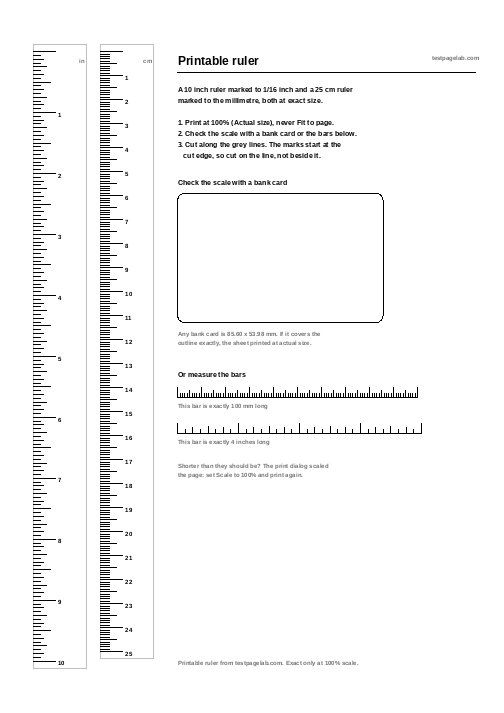
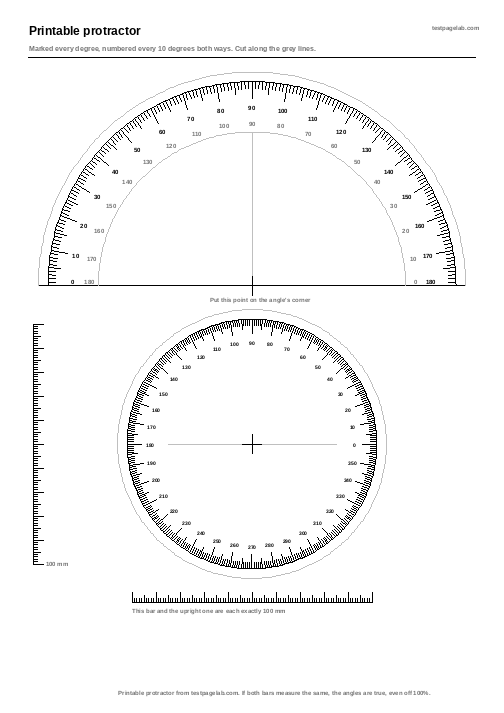
The same exact geometry draws two sheets for measuring: a printable ruler, 10 inches and 25 cm, and a printable protractor, 180 and 360 degrees. Each checks its own print: the ruler with a bank card outline, the protractor with a 100 mm bar each way.
Frequently asked questions
Are these printer test page PDFs free?
Yes. There is no sign-up and no account. Download and print as many as you need.
Should I print the A4 or the US Letter PDF?
The one that matches the paper in your printer: US Letter in the United States and Canada, A4 almost everywhere else. Where a test has only one file, its design fits inside the area the two papers share, so the same PDF prints on either.
Why does my test page print smaller than it should?
The print dialog shrank it to fit the page. Turn off Fit to page or Shrink oversized pages, choose Actual size or a scale of 100, and print again.
Do these test pages work on a laser printer?
Yes. The full test page, the black pages, the alignment page and the feed test work on any printer, and the color pages on any color printer. The nozzle check is for inkjets, since a laser printer has no nozzles.
How is this different from the test page Windows prints?
The test page that Windows or macOS sends shows that the printer, its driver and the connection work together: that pages arrive. These PDFs show how well they print, each against a known target, such as exact sizes, solid inks and fixed tint steps. To print that page, see Windows and Mac on the home page.