5 mm graph paper
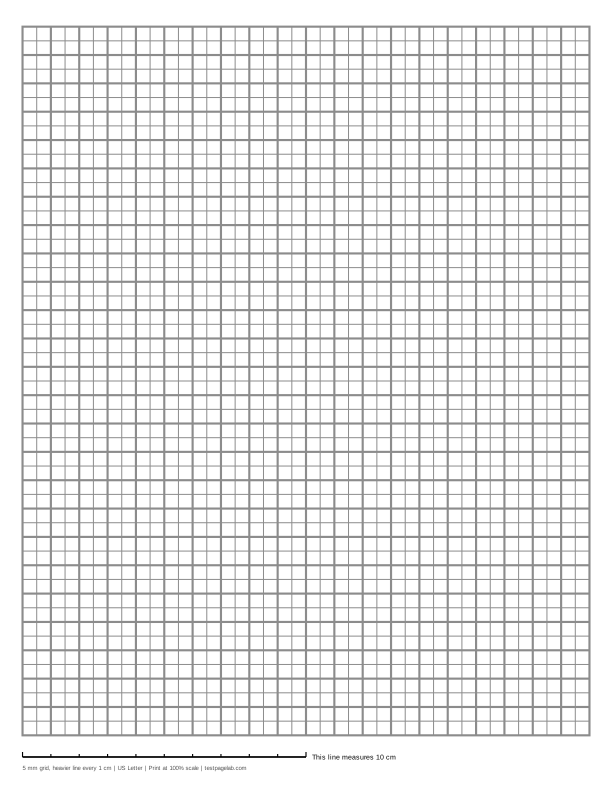
Print at 100%. In the print dialog choose Actual size (or Scale: 100), not Fit to page. Then hold a ruler to the line at the bottom of the sheet.
How to print at actual size, dialog by dialog
- Chrome and Edge: open More settings, find Scale, and pick Actual size if it is listed. If it is not, pick Custom and type 100. Avoid Fit to printable area and Fit to paper.
- Firefox: untick Fit to page width, then set Scale to 100.
- Safari and Preview on a Mac: set Scale to 100%, not Scale to Fit.
- Adobe Acrobat and Reader: under Page Sizing, choose Actual size. The file already asks for it.
- iPhone and iPad: the print sheet has no scale setting. Print, then measure the line.
- Android: this depends on the printer app. Turn off any Fit to page option, then measure the line.
- Any browser: pick the file that matches the paper in your printer. A US Letter file on A4 paper, or the reverse, gets shrunk to fit.
Printable 5 mm graph paper: squares 5 millimeters on a side, two to the centimeter, with a heavier line every centimeter. On A4 the sheet is 38 squares across and 54 down, a grid 19 by 27 cm. On US Letter it is 40 by 50 squares, 20 by 25 cm.
This is the squared ruling of school exercise books in much of Europe and elsewhere, and a common choice for anyone who works in metric. The generator above starts from it, and every setting can still be changed.
Squared exercise-book ruling
Squared paper with 5 mm squares is what many countries hand to students for arithmetic and geometry: the German Karopapier and the French petits carreaux are both 5 mm squares. Two squares to the centimeter makes measuring easy. Twenty squares are 10 cm, the same length as the line at the bottom of the sheet.
The heavier line every second square marks whole centimeters, so a drawing can be read off in centimeters without counting small squares. If you want the plain version, set Heavier line to None. For a darker line every 5 cm instead, set it to every 10 lines.
5 mm is not 1/5 inch
In the US, pads ruled five squares to the inch are also common, and at a glance they look the same. They are not: 1/5 inch is 5.08 mm. Across a row of 40 squares the difference adds up to 3.2 mm, enough to throw off a drawing that has to meet a metric measurement. If you need 1/5 inch, choose Inches and type 1/5 as the spacing.
The sheet, square by square
The grid is centered with 6 mm margins at the sides and a strip at the bottom for the calibration line. On A4 there is room for 19 whole centimeters across and 27 down, which is 38 by 54 squares, 2,052 in all. On US Letter the page is wider and shorter, so the grid is 20 by 25 cm, 40 by 50 squares, 2,000 in all.
The grid always ends on a whole centimeter, so the outer edge falls on a heavier line.
Uses
- Math and geometry. Plotting, sketching graphs, and drawing figures to a given size in centimeters.
- Handwriting and notes. Many people write on 5 mm squares instead of lined paper, using two squares per line of text.
- Planning and journaling. Layouts, tables and habit trackers that need straight edges.
- Charts and patterns. Knitting, cross-stitch and pixel art at a finer grain than 1/4 inch.
Print it at 100%
For the squares to measure 5 mm, the print dialog must not scale the page. In Chrome and Edge, open More settings and set Scale to Actual size, or to Custom and 100. In Safari or Preview set Scale to 100%. Turn off Fit to page wherever you see it. The steps for other browsers and phones are listed under the download buttons.
Print the A4 file on A4 paper and the US Letter file on Letter paper. Printing one on the other makes most printers shrink it.
Check it with the line
The line at the bottom of the sheet is exactly 10 cm long, with a tick every centimeter. Twenty squares should cover it exactly.
| The 10 cm line measures | One square measures | What happened |
|---|---|---|
| 100 mm, within about 0.5 mm | 5 mm | Printed at actual size. |
| about 97.3 mm | about 4.86 mm | A US Letter file was shrunk to fit A4 paper. |
| about 94.1 mm | about 4.7 mm | An A4 file was shrunk to fit US Letter paper. |
| about 95 to 97 mm | about 4.8 mm | Fit to printable area or Fit to page was on. |
| about 102 to 103 mm | about 5.1 mm | Borderless printing enlarged the page. |
Other sizes
For larger squares, 1 cm graph paper. The same generator draws 1/4 inch graph paper, isometric graph paper and dot grid paper, and any other size on the main graph paper page.
Frequently asked questions
Is 5 mm graph paper the same as squared paper?
In most countries, yes: squared paper in exercise books is ruled in 5 mm squares. Some books, in Spain for example, use 4 mm squares instead, and the generator can draw those too. Choose Millimeters and set the spacing to 4.
How many squares are on a sheet of 5 mm graph paper?
On A4, 38 across and 54 down, 2,052 squares. On US Letter, 40 across and 50 down, 2,000 squares. Smaller margins can add a column or a row, down to about 5 mm, the edge most printers can reach.
Is 5 mm graph paper the same as 1/5 inch?
No. One fifth of an inch is 5.08 mm, so the two drift apart by 0.08 mm a square, 3.2 mm over 40 squares. Choose the one your task measures in.
Can I print it without the darker centimeter lines?
Yes. Set Heavier line to None and every line prints at the same weight.
Why does my printed grid look slightly small?
The page was scaled down when it printed. Measure the 10 cm line: 97.3 mm means a Letter file went to A4 paper, 94.1 mm an A4 file to Letter paper, and 95 to 97 mm that Fit to page was on. Set Scale to 100 and print again.